eCommerce Customer Retention with Zoho CRM: Segments, Workflows, and Repeat Revenue
Acquiring a new eCommerce customer costs five to seven times more than retaining one. Zoho CRM gives Shopify, Amazon, and WooCommerce sellers the customer data, RFM segments, and post-purchase workflows to convert one-time buyers into repeat revenue — without stitching together disconnected marketing tools.
Bain & Company research puts the cost of acquiring a new eCommerce customer at five to seven times more than retaining an existing one. For Shopify, Amazon, and WooCommerce sellers running on tight margins, repeat purchase rate is often the clearest signal of whether an operation is actually profitable. Yet most sellers put the majority of their marketing spend into acquisition and leave retention to chance: no segments, no win-back flows, nothing systematic.
The problem is rarely intent. It is data infrastructure. Customer records live across Shopify (orders, email addresses), Amazon Seller Central (buyer data with limited API access), and WooCommerce (order history), plus a disconnected email tool that has a partial view of the customer at best. None of those systems knows the customer across channels. Zoho CRM does.
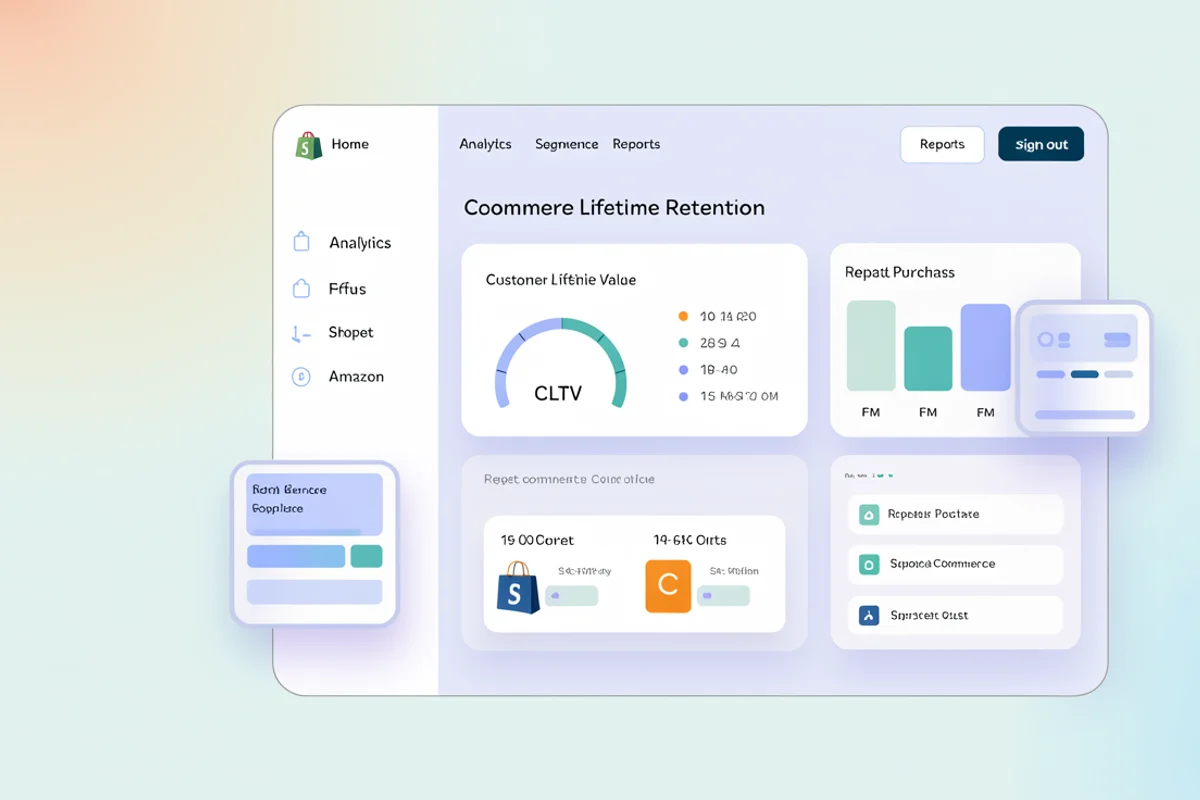
Direct answer: eCommerce customer retention with Zoho CRM starts with building a unified customer record that pulls order history from Shopify, Amazon, and WooCommerce into one place. From that foundation, you score customers by Recency, Frequency, and Monetary value (RFM), segment them into actionable groups, and run post-purchase workflows through Zoho Campaigns (without the fragmentation that comes from stitching together tools that cannot share data).
Why eCommerce retention requires a unified customer record
Before building any retention workflow, you need to answer three questions about each customer: when did they last buy, how many times have they bought, and how much have they spent? These questions are simple for a single-channel seller. They become operationally difficult at scale when Shopify holds DTC orders, Amazon holds marketplace orders, and WooCommerce holds wholesale orders, each in a separate system with no shared customer ID.
Zoho CRM becomes the customer system of record, not a replacement for order management. The goal is not to replicate Shopify's order functionality inside CRM. It is to bring the data that drives retention decisions (order counts, last purchase date, total lifetime spend, channel mix) into a single record where you can act on it.
A properly configured eCommerce customer record in Zoho CRM includes:
| Field | Source | Purpose |
|---|---|---|
| Lifetime Order Count | Shopify + WooCommerce + Amazon | RFM Frequency score |
| Last Order Date | All channels | RFM Recency score |
| Total Lifetime Value | All channels | RFM Monetary score |
| Primary Channel | Shopify / Amazon / WooCommerce | Segment messaging by platform |
| Last Order Value | Most recent order | Upsell and cross-sell triggers |
| Product Categories Purchased | Order line items | Cross-sell recommendations |
| Churn Risk Date | Calculated from purchase cadence | Win-back trigger timing |
None of these fields exist in Zoho CRM by default. They require custom field configuration and a sync layer that pulls from each platform. That setup is the foundation. Without it, retention automation produces segments that are wrong and workflows that fire at the wrong time. See the Zoho CRM setup guide for how to structure modules, pipelines, and custom fields before building retention automation on top.
How to bring Shopify, Amazon, and WooCommerce customers into Zoho CRM
Shopify to Zoho CRM
Shopify's API exposes customer and order data cleanly. A proper integration creates or updates a Zoho CRM contact record on each completed order, pushes order line items into a related module, and recalculates lifetime value fields. The sync runs in near real-time using Shopify webhooks rather than a polling schedule. A customer who places a third order should immediately move out of the "new buyer" segment. A 15-minute polling delay means they could receive a new buyer onboarding email after the third purchase, which is the wrong message.
Zoho Flow handles basic Shopify-to-CRM contact creation. For multi-channel sellers who need to deduplicate customers who appear on both Shopify and WooCommerce under the same email, a custom API integration is more reliable. Zoho Flow's polling architecture introduces delays and does not include deduplication logic across two source systems.
Amazon Seller Central
Amazon restricts seller access to buyer email addresses to protect marketplace data. This limits CRM integration depth for Amazon-sourced customers. Order IDs, order dates, product ASINs, and order values are all available from Seller Central data reports and can sync to CRM. Buyer email addresses are not, for most transaction types.
Amazon-sourced customers follow a different path. You can track repeat purchase patterns within Seller Central and sync aggregate data, but individual post-purchase email sequences are only available through Amazon's buyer-seller messaging within strict guidelines. Retaining Amazon customers at a CRM level often means converting them to a Shopify DTC channel where you own the email relationship.
WooCommerce to Zoho CRM
WooCommerce customers sync cleanly because WooCommerce stores collect email addresses and order history in a standard database format. A WooCommerce-to-Zoho CRM integration using the WooCommerce REST API follows the same architecture as the Shopify sync, with the same deduplication logic applied. Sellers running Shopify and WooCommerce simultaneously need a deduplication strategy: a customer who appears in both systems under the same email should resolve to one Zoho CRM record, not two contacts with separate lifetime value totals.
RFM segmentation in Zoho CRM for eCommerce
RFM scoring evaluates every customer on three dimensions:
- Recency (R): How recently did they buy? Lower elapsed days is better.
- Frequency (F): How many orders have they placed? Higher is better.
- Monetary (M): How much have they spent in total? Higher is better.
Each dimension is scored 1 to 5 based on your customer distribution. A customer who bought yesterday, has placed six orders, and has spent $2,400 total scores 5-5-5. A customer who last bought 14 months ago, placed one order for $35, scores 1-1-1.
Building RFM segments in Zoho CRM
Zoho CRM supports custom views and formula fields that make RFM scoring manageable without custom code. The setup requires three things: custom date and number fields on the Contact record (Last Order Date, Order Count, Lifetime Value); formula fields that calculate Recency Days and numeric bucket scores based on ranges you define; and custom views filtered by RFM score combinations to create named segments.
Practical segment definitions for a Shopify seller:
| Segment | RFM Profile | Recommended action |
|---|---|---|
| Champions | R≥4, F≥4, M≥4 | VIP program invite, loyalty rewards |
| Loyal Customers | F≥4, M≥3 | Early access to product launches |
| Recent Buyers | R=5, F≤2 | Onboarding sequence, second-purchase nudge |
| At-Risk Customers | R≤2, F≥3, M≥3 | Win-back sequence, targeted offer |
| Lost High-Value | R=1, F≥3, M≥4 | Last-chance win-back or survey |
| One-and-Done | R≤3, F=1, M≤2 | Low-cost re-engagement or suppress |
These segments drive workflow logic. Champions receive VIP treatment. At-Risk customers go into win-back sequences. One-and-done buyers with low monetary value often do not justify re-engagement spend, and suppressing them protects email deliverability. For the full configuration of spend-based tiers — custom fields, upgrade workflow rules, and Campaigns sequences for each tier change — see the Zoho CRM loyalty program guide for eCommerce.
Post-purchase workflows in Zoho CRM and Zoho Campaigns
With segments defined, Zoho Campaigns journeys run off triggers and conditions set in Zoho CRM. The integration between Zoho CRM and Zoho Campaigns is native: contacts and their CRM field values sync automatically, and Campaigns journeys can use those values to trigger, filter, and personalize email sequences without any third-party connector.
First-time buyer onboarding sequence
Timing and cadence for Shopify DTC customers who just placed their first order:
- Day 0 (order confirmation): Transactional email from Shopify. Not a marketing email.
- Day 3 (onboarding): Product use tips. Soft brand touchpoint, no offer.
- Day 10 (review request): Ask for a product review with a direct link to the review form. One action, no friction.
- Day 21 (second-purchase nudge): Recommend a complementary product based on the first purchase category. A first-repeat-buyer discount, if margin supports it, increases conversion on this step.
- Day 45 (segment trigger): If no second purchase by day 45, move to At-Risk: New Buyer and shift to a lower-frequency nurture sequence.
Win-back sequence for at-risk and lapsed customers
For customers whose Last Order Date exceeds their expected repurchase window:
- Day 0 of win-back (90 days since last order, as a typical example): A check-in email. No discount yet. Product highlights based on purchase history.
- Day 7: Offer. Time-limited discount or free return shipping for returning customers.
- Day 14: Final touch. Reinforce the offer with urgency framing.
- Day 21: Suppression decision. If no purchase after three contacts, flag for quarterly re-review rather than continuing to send. Ongoing emails to unresponsive contacts damage deliverability.
Cross-sell workflows based on purchase category
Zoho CRM's product category field, populated during order sync, enables category-based cross-sell automation. A customer who purchased running shoes receives recommendations for running socks and apparel at Day 21, not yoga accessories. This requires product category mapping during the Shopify-to-CRM sync, multiple Campaigns journeys (one per category) triggered by that field value, and conditional branching for customers who have purchased across multiple categories. Generic broadcast lists cannot do this. A unified CRM record can.
What to measure after you go live
Three metrics tell you whether the retention system is working. Repeat purchase rate (the percentage of customers who place more than one order in a 12-month window) is your headline number. Second-purchase conversion rate on the Day 21 nudge email tells you whether the onboarding sequence is doing its job. Win-back rate on the 90-day re-engagement sequence shows whether lapsed customers respond to offers. Zoho Analytics, connected to Zoho CRM and Zoho Campaigns, can surface all three without manual reporting.
Why Klaviyo and MailChimp fall short for multi-channel sellers
Many Shopify sellers default to Klaviyo or MailChimp for post-purchase email because both platforms offer eCommerce-specific templates and Shopify integrations. The limitation is what they cannot see. Klaviyo sees Shopify data. WooCommerce order history, Amazon aggregate data, and anything from Zoho Books or Zoho Inventory sit outside its view.
A buyer who purchased twice on your Shopify store and once through your WooCommerce wholesale channel looks like a two-time buyer in Klaviyo. In reality they are a three-time buyer who deserves Champion treatment. For single-channel Shopify sellers, Klaviyo is a reasonable tool. For multi-channel operations, it builds retention workflows on an incomplete picture.
Zoho CRM as the retention data layer, with Zoho Campaigns for email execution, pulls from all channels into a single contact record. RFM scores reflect total spend across every channel. For multi-channel sellers, that difference is not marginal — it determines which customers you invest in and which you suppress.
Cost is also worth comparing. Klaviyo's pricing scales with list size and email volume: a 20,000-contact list sending four emails per month runs $400 to $600 per month. The same operation on Zoho Campaigns, running under Zoho One or Zoho CRM Plus licensing, typically costs significantly less, and the full CRM data layer is included rather than priced separately.
How Zolify builds eCommerce retention systems on Zoho
A reliable eCommerce retention system on Zoho depends on three things working together: the CRM data model (custom fields and sync architecture), the RFM segmentation logic, and the Campaigns journey structure. Most Zoho partners implement CRM or Campaigns in isolation. Few address the multi-channel data layer that makes the retention logic reliable.
Across 100+ eCommerce implementations, Zolify's Zoho CRM retention setups follow a consistent sequence: build the data model first, validate the sync layer before writing any automation, then define RFM segments before drafting a single email. A post-purchase sequence built on incomplete customer data suppresses the wrong contacts and over-invests in low-value segments. Our CA on staff validates the Monetary score thresholds against actual margin data before go-live. The RFM bands that matter are the ones calibrated to your specific customer economics, not generic textbook examples.
As an Official Zoho Authorized Partner, Zolify has direct access to Zoho implementation resources when edge cases arise in Campaigns journey configuration or CRM custom module builds. That matters when a seller's multi-channel setup does not match standard templates.
Want to know what your current retention rate is costing you? Get a free eCommerce Ops Audit and we will map your customer data flow, identify the segments you are losing, and show you what a Zoho CRM retention setup looks like for your specific channel mix.
Also see: Zoho CRM for eCommerce: the complete setup guide, Zoho Analytics for eCommerce: channel P&L and reporting, multi-channel inventory management with Zoho, and Amazon Seller Central + Zoho CRM: post-purchase workflows for FBA sellers — the step-by-step guide to SP-API configuration, insert card opt-in flows, and TOS-compliant review request automation.
Frequently Asked Questions
A custom integration syncs Shopify customers and order history to Zoho CRM contacts via the Shopify API using webhooks for real-time updates. Each completed order updates the contact record's lifetime order count, last order date, and total spend fields. For Amazon, data access is more restricted. Amazon does not expose buyer email addresses for most transactions, so Amazon-sourced customers appear in CRM via order report imports rather than individual real-time records. Multi-channel sellers configure Zoho CRM as the single customer system of record by deduplicating contacts across Shopify, WooCommerce, and Amazon data exports under a unified email address.
RFM stands for Recency, Frequency, Monetary — three dimensions that score every customer based on how recently they bought, how often they buy, and how much they have spent in total. In Zoho CRM, RFM scoring uses custom fields on the Contact record (Last Order Date, Order Count, Lifetime Value) and formula fields that calculate each score based on your customer distribution. Custom views then filter contacts by score combinations to create named segments: Champions (high on all three), At-Risk (previously high, now lapsing), or One-and-Done (low frequency, low monetary). Scoring bands should reflect your specific customer base — a seller with average order values of $25 has different monetary thresholds than one with average orders of $250.
The most practical workflows: a first-time buyer onboarding sequence (Days 3, 10, 21) that nudges new customers toward a second purchase; a win-back sequence triggered when Last Order Date exceeds your typical repurchase window (usually 60 to 90 days); a VIP flow for customers who reach the Champion RFM tier; and category-based cross-sell sequences tied to the product category of the most recent purchase. All of these run through Zoho Campaigns journeys triggered by Zoho CRM field updates. When the CRM field changes — say, Last Order Date rolls past 90 days — the Campaigns workflow fires automatically without manual list management.
Zoho CRM and Zoho Campaigns share native integration. Contacts sync automatically and CRM field values are available as conditions and personalization tokens in Campaigns journeys. To trigger a post-purchase workflow, you configure a journey with an Entry Condition based on a CRM field change: Last Order Date updated within the last 24 hours, or Order Count equals 1 for new buyers. The journey sends emails on the schedule you define, using personalization fields pulled directly from the CRM contact record. No Zapier or third-party connector is needed.
Klaviyo works well for single-channel Shopify sellers who only need to segment on Shopify data. It becomes a problem when you sell on more than one channel. Klaviyo only sees the channel it is connected to, so a customer who bought twice on Shopify and once on WooCommerce looks like a two-time buyer, not a three-time buyer. Zoho CRM as the customer data layer, with Zoho Campaigns for email execution, gives multi-channel sellers a single source of truth for customer behavior across all channels. That unified record is what makes RFM scoring accurate and retention automation reliable.
See exactly where your Shopify, Amazon, or WooCommerce ops are leaking — free.
Get a personalised eCommerce Ops Audit: inventory gaps, accounting leaks, and order-flow bottlenecks — with a Zoho fix roadmap. Delivered in 48 hours, at no cost.