Multi-Channel eCommerce Accounting: How to Consolidate Shopify, Amazon, and WooCommerce in Zoho Books
Shopify pays on a 2-3 day payout schedule. Amazon settles every two weeks. WooCommerce processes in real time. If you're running all three channels and recording deposits as revenue, your books are wrong and you don't know which channel is profitable. Here's the Zoho Books setup that fixes it.
Multi-channel eCommerce sellers face an accounting problem that single-channel sellers don't: every platform pays differently, on a different schedule, with a different fee structure, and none of them deposit what your customers actually paid. Shopify sends a net payout every 1-3 business days. Amazon sends a settlement every 14 days covering hundreds of orders and fifteen-plus fee types. WooCommerce processes payments through Stripe or PayPal, each with their own transfer timing.
If you're recording those deposits directly as revenue in Zoho Books, your gross margin is wrong, your fee expense is hidden, and you cannot tell which channel is profitable. The fix is a Zoho Books chart of accounts designed for multi-channel eCommerce, not adapted from a generic small-business template.
TL;DR: Set up separate revenue accounts, clearing accounts, and fee expense accounts for each channel. Record gross sales when orders happen, not when cash arrives. Use clearing accounts to bridge the gap between gross revenue entries and net payout deposits. That structure gives you accurate per-channel P&L in Zoho Books and clean bank reconciliation.
Why multi-channel accounting breaks standard bookkeeping
Standard small-business bookkeeping works on a simple model: a customer pays you, money arrives in the bank, you record revenue. Multi-channel eCommerce breaks each of those steps.
Timing mismatch: Your Shopify customer pays at checkout. You record revenue when the order is placed, but the cash doesn't arrive for 1-3 days. Amazon customers buy daily; you receive one bi-weekly settlement. WooCommerce Stripe payouts arrive on a rolling daily schedule. If you record revenue at deposit time, your monthly figures shift depending on when the payout landed, not when you earned the revenue.
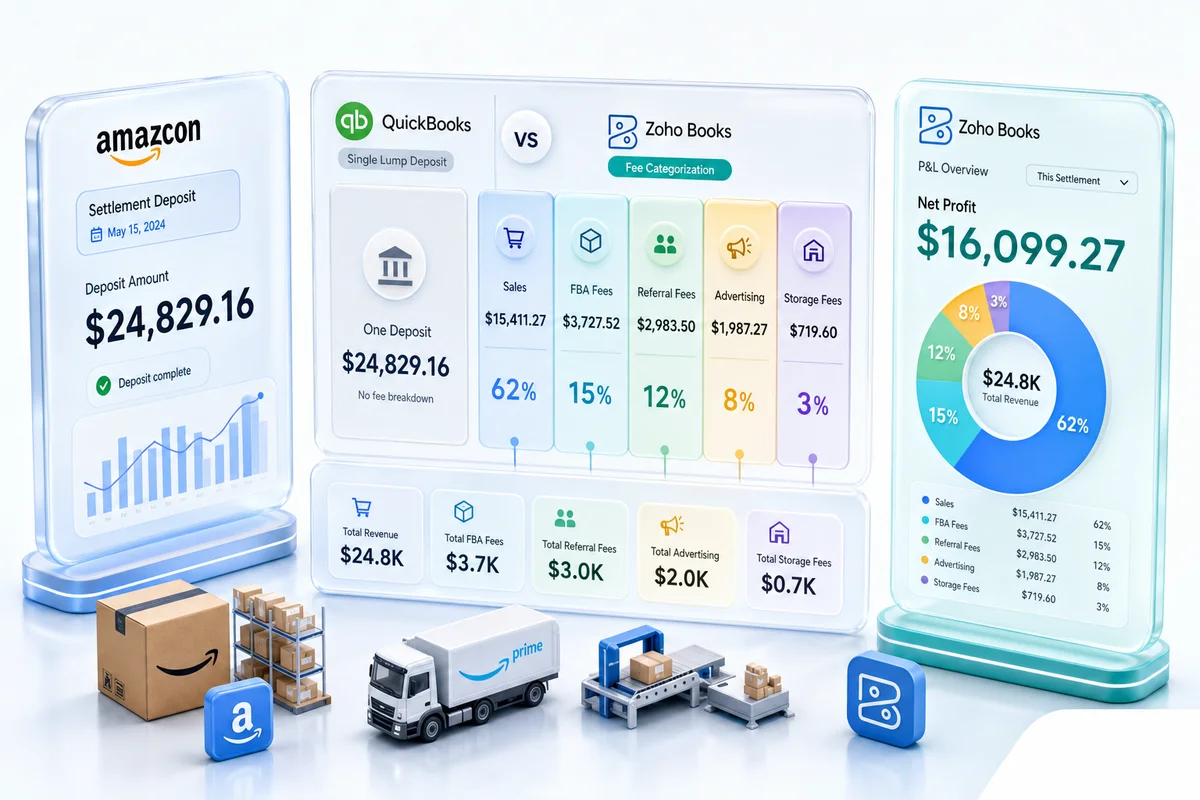
Net-payout structure: No major platform deposits the gross order amount. Shopify deducts payment processing fees (2.4-2.9% per transaction) before the payout. Amazon deducts referral fees (6-15%), FBA fees, storage charges, and advertising adjustments before settlement. WooCommerce Stripe deducts processing fees from each transaction. Recording the deposit as revenue hides all of those costs in one invisible line.
Fee complexity by channel: Amazon's settlement report contains 15 or more distinct fee types that each belong in a different expense account. Shopify's payout includes subscription fees, app fees, and payment processing fees that need separate treatment. WooCommerce fees depend on which payment gateway and fulfillment setup you use. For a deeper look at platform-specific fee structures, see our eCommerce marketplace fee reconciliation guide.
The chart of accounts structure for multi-channel eCommerce
The foundation of multi-channel eCommerce accounting in Zoho Books is a chart of accounts that separates revenue, fees, and clearing by channel. The structure below handles Shopify, Amazon, and WooCommerce; it extends to eBay and Etsy using the same pattern.
Revenue accounts
Create a revenue account for each channel under a parent account group:
| Account | Type | Purpose |
|---|---|---|
| Sales Revenue: Shopify | Revenue | Gross sales from Shopify orders |
| Sales Revenue: Amazon | Revenue | Gross sales from Amazon orders |
| Sales Revenue: WooCommerce | Revenue | Gross sales from WooCommerce orders |
| Returns and Allowances: Shopify | Revenue (contra) | Refunds and chargebacks |
| Returns and Allowances: Amazon | Revenue (contra) | Amazon refunds and adjustments |
| Returns and Allowances: WooCommerce | Revenue (contra) | WooCommerce refunds |
Clearing accounts
Clearing accounts hold the difference between when you record gross revenue and when the net payout actually deposits. Each platform needs its own clearing account:
| Account | Type | Purpose |
|---|---|---|
| Shopify Clearing Account | Current Asset | Bridges gross sales to net payouts |
| Amazon Clearing Account | Current Asset | Bridges gross sales to bi-weekly settlements |
| WooCommerce Clearing Account | Current Asset | Bridges gross sales to payment processor transfers |
For a complete eCommerce chart of accounts template, see our Zoho Books chart of accounts guide for eCommerce sellers.
Fee expense accounts
Platform fees belong in Cost of Sales, not operating expenses, because they're direct variable costs per order:
| Account | Type | Purpose |
|---|---|---|
| Platform Fees: Shopify | Cost of Sales | Payment processing + subscription |
| Platform Fees: Amazon | Cost of Sales | Referral fees, FBA fees, storage |
| Platform Fees: WooCommerce | Cost of Sales | Payment gateway fees |
| Advertising: Amazon PPC | Cost of Sales | Amazon Sponsored Products spend |
Recording Shopify revenue correctly
The correct Shopify accounting flow in Zoho Books uses the clearing account as the bridge between gross sales and net payouts.
Step 1: Record gross sales. When Shopify orders process (daily or at month end via aggregate journal entry), record: - Debit: Shopify Clearing Account (gross order amount) - Credit: Sales Revenue: Shopify (gross order amount)
Step 2: Book returns. When refunds process: - Debit: Returns and Allowances: Shopify - Credit: Shopify Clearing Account
Step 3: Book Shopify fees. From the monthly Payouts report, record payment processing fees: - Debit: Platform Fees: Shopify - Credit: Shopify Clearing Account
Step 4: Match the payout deposit. When Shopify deposits to your bank: - Debit: Bank Account - Credit: Shopify Clearing Account
At the end of the cycle, the Shopify Clearing Account balance should be zero or equal to orders processed but not yet paid out. Any remaining balance signals a missing transaction.
See the full Shopify monthly bookkeeping workflow in Zoho Books for the step-by-step close process.
Recording Amazon revenue correctly
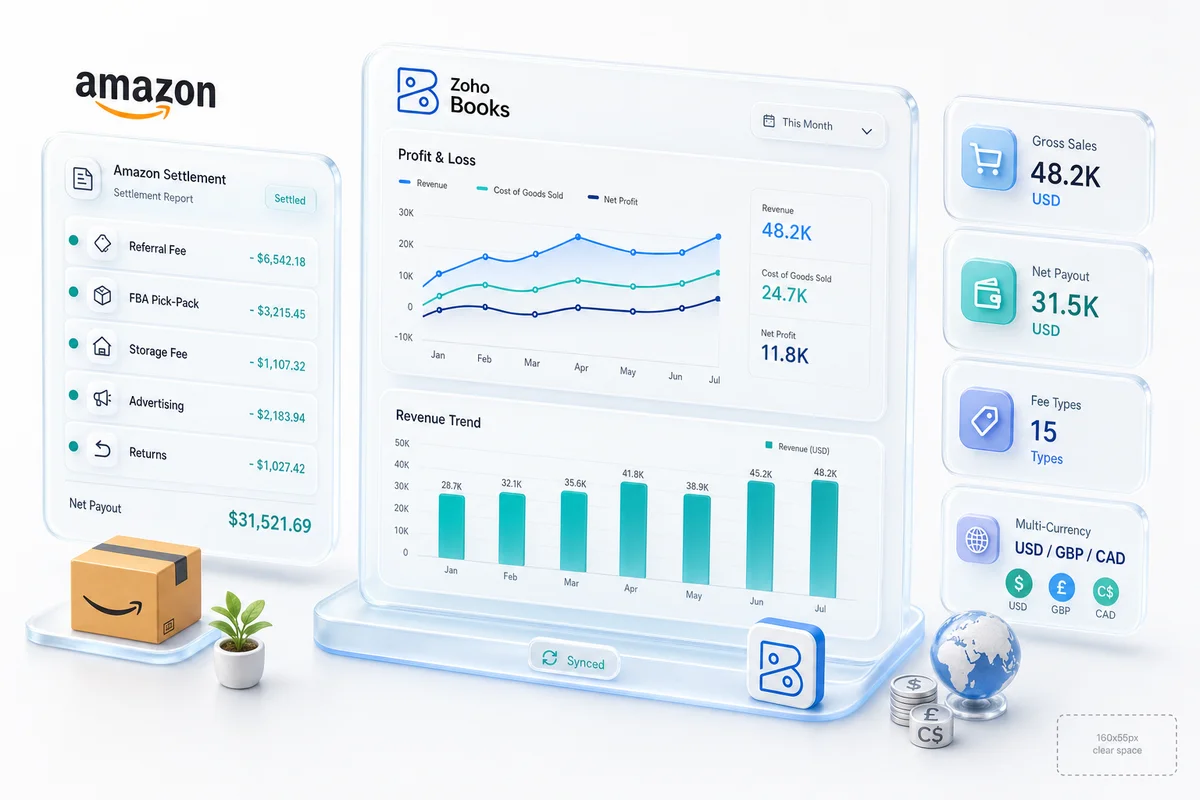
Amazon's bi-weekly settlement is the most complex deposit in eCommerce accounting. Each settlement report contains gross sales, referral fees, FBA fulfillment fees, storage fees, reimbursements, advertising deductions, refund adjustments, and miscellaneous charges—all netted into one deposit.
Step 1: Record gross sales. When Amazon orders ship (or at settlement), record gross order amounts: - Debit: Amazon Clearing Account - Credit: Sales Revenue: Amazon
Step 2: Book each fee category separately. From the settlement report, record fees in their respective accounts: - Referral fees → Platform Fees: Amazon - FBA fulfillment fees → Platform Fees: Amazon (or split into a separate FBA Fulfillment Fees account) - Storage fees → FBA Storage Fees - Advertising adjustments → Advertising: Amazon PPC - Reimbursements → Other Income: FBA Reimbursements
Step 3: Match the settlement deposit. The settlement deposit amount should match: Gross Sales − Refunds − Total Fees + Reimbursements = Settlement Amount
If the clearing account doesn't zero out, there's a missing fee category or an unrecorded adjustment. For the full FBA accounting framework, see our Amazon FBA accounting guide.
Getting per-channel P&L from Zoho Books
With separate revenue and fee accounts per channel, Zoho Books generates channel-level P&L through filtered reports. Go to Reports > Business Overview > Profit and Loss, then filter by account group to see each channel's gross revenue, returns, fees, COGS, and gross margin.
For gross margin by channel, the calculation is:
Channel Gross Margin = Channel Revenue − Channel Returns − Channel Platform Fees − Channel COGS
Zoho Books doesn't natively display this as a one-click channel P&L if your COGS accounts aren't also split by channel. Two options:
- Split COGS by channel — Create separate COGS accounts (Cost of Goods Sold: Shopify, COGS: Amazon, COGS: WooCommerce) and map each sales channel's orders to the corresponding COGS account when goods ship.
- Use Zoho Analytics for cross-channel reporting — Connect Zoho Books and Zoho Inventory to Zoho Analytics and build a custom multi-channel margin report. This handles COGS allocation automatically if Zoho Inventory is managing your stock. See our Zoho Analytics eCommerce reporting guide for dashboard setup.
Multi-channel reconciliation in practice
The clearing account structure makes bank reconciliation predictable. At month end, each clearing account should balance to either zero or an amount equal to revenue earned but not yet deposited. Any balance that can't be explained by timing is a missing transaction.
Common reconciliation problems in multi-channel eCommerce setups:
- Amazon settlement spans two calendar months: The settlement period runs Nov 28 to Dec 12. Orders from November appear in a December deposit. The clearing account handles this because you recorded November revenue in November; the deposit clears the clearing account in December without affecting November's P&L.
- Shopify dispute chargebacks: Chargebacks appear as negative payout adjustments. If you don't book them as Returns and Allowances, the clearing account shows a positive balance that never clears.
- WooCommerce PayPal micro-batches: PayPal transfers small batches throughout the day. Record each bank transfer against the clearing account, not as individual revenue entries.
For the complete reconciliation process by platform, see our multi-channel inventory management guide for how inventory movements tie into the accounting flow.
How Zolify sets up multi-channel accounting
Across 100+ eCommerce implementations, the single most common finding in Zolify's eCommerce ops audits is a chart of accounts that was never built for multi-channel revenue. Most sellers start with a default Zoho Books setup and add channels as they grow, leaving each channel's revenue consolidated into one account with no fee separation.
Zolify's CA-backed implementation process starts with the chart of accounts before connecting any platform. The sequence: build the revenue structure, configure clearing accounts, map fee categories to the correct account type, then connect Shopify, Amazon, and WooCommerce. That order matters because connecting a platform before the accounts exist produces deposit records with no home to go to.
Official Zoho Authorized Partner status means Zolify's implementations follow Zoho's recommended setup patterns. When issues appear—a clearing account that won't balance, a fee category that doesn't appear in the settlement report—Zolify's team has the accounting depth and the Zoho access to diagnose and fix it.
Ready to clean up your multi-channel books?
Multi-channel eCommerce accounting gets more complicated with every channel you add. The clearing account structure solves the reconciliation problem. Per-channel revenue accounts solve the reporting problem. Zoho Books handles both if the chart of accounts is set up correctly from the start.
Get an eCommerce Ops Audit — Zolify reviews your current Zoho Books setup, identifies account structure gaps, and produces a migration plan to fix multi-channel accounting without disrupting your books mid-year.
If you're preparing for Q4, the eCommerce peak season readiness guide covers how clearing account health fits into the full pre-Q4 audit alongside inventory and integration checks.
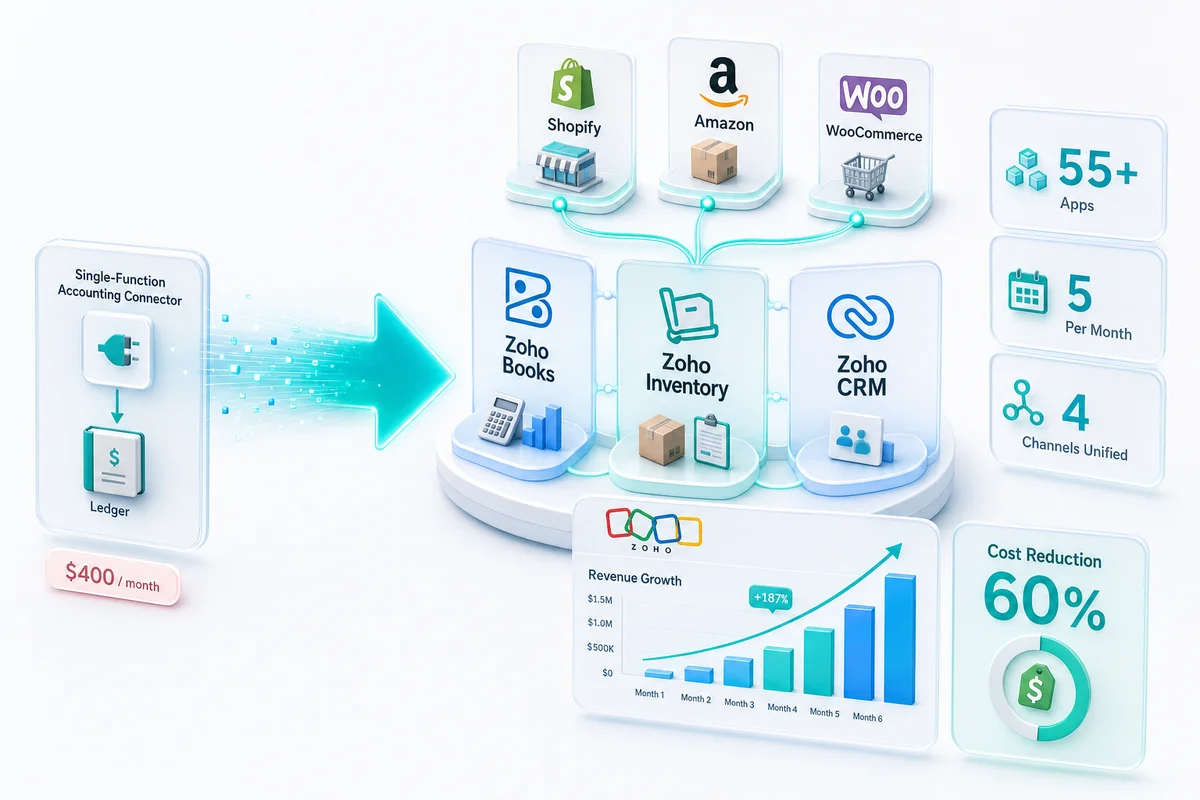
Or explore our multi-channel eCommerce operations page to see how Zoho Books, Zoho Inventory, and Zoho CRM work together as a complete multi-channel backend.
Frequently Asked Questions
Yes. Zoho Books supports separate revenue and expense accounts per channel, clearing accounts for net payout reconciliation, and custom reporting that breaks down gross sales, platform fees, and net income by Shopify, Amazon, WooCommerce, eBay, or Etsy. With the right chart of accounts setup, you can run a per-channel P&L from the standard reports menu without any workarounds.
Each platform pays you a net deposit that bundles gross sales, minus platform fees, minus refunds, sometimes across multiple days of orders. If you record that deposit as revenue, you lose the gross revenue figure, understate your fees, and can't reconcile individual orders to bank transactions. Clearing accounts hold the gross revenue entry; fee entries and the payout deposit both clear against that account so your bank statement matches your books.
With separate revenue accounts per channel (Sales Revenue: Shopify, Sales Revenue: Amazon, Sales Revenue: WooCommerce) and COGS accounts mapped by channel or by product, Zoho Books generates a P&L filtered by account group. Zoho Analytics takes this further: connect Zoho Books and Zoho Inventory to build a cross-channel margin report that includes marketplace fees, COGS, and advertising costs by channel.
Zoho Books has a native Shopify connector that syncs orders, customers, and payments. Amazon and WooCommerce connections are built through custom API integrations or third-party connectors, depending on the data requirements. A managed integration handles the field mapping, error handling, and reconciliation logic that off-the-shelf connectors typically miss for complex eCommerce setups.
Recording the net bank deposit as revenue instead of gross sales. When Amazon deposits a settlement covering 14 days of orders, that deposit already has referral fees, FBA fees, and refund adjustments removed. Recording it as revenue means your gross sales are understated, your fee expense is hidden, and your per-channel margin calculation is wrong. The same problem appears with Shopify payouts and WooCommerce payment processor settlements.